10 Best Touch Screen Kiosks for Business in 2026
Touch-screen kiosks have moved from novelty to practical business tools. In a hotel lobby, a guest may check in without waiting at the desk. In a store, a shopper can search inventory on a bright screen while staff serve other customers. These small moments matter. But a kiosk is only useful when its interface, hardware, and support fit the actual setting.
Grand View Research valued the global kiosk market at $28.34 billion in 2023 and projected a 9. kiosk market compound annual growth rate from 2024 to 2030. That estimate covers more than touch-screen systems, so it should be treated as market context—not a sales forecast for any single product. For businesses comparing the 10 best touch screen kiosks for 2026, the practical questions are narrower: Is the screen readable under store lighting? Can users complete tasks quickly? Is the device easy to clean and maintain?
The design principle is simple. Steve Jobs, a technology and product-design expert, said, “You’ve got to start with the customer experience and work back toward the technology—not the other way around.” That applies to kiosk selection, too. A sleek enclosure cannot compensate for confusing steps or unreliable peripherals. Small details count. A slow card reader can undo a smooth checkout. This guide compares leading options by use case, features, and business fit. No single kiosk suits every operation; the right choice depends on who uses it, where it stands, and what happens when it needs service.
Understanding Touch Screen Kiosks and Their Role in Business
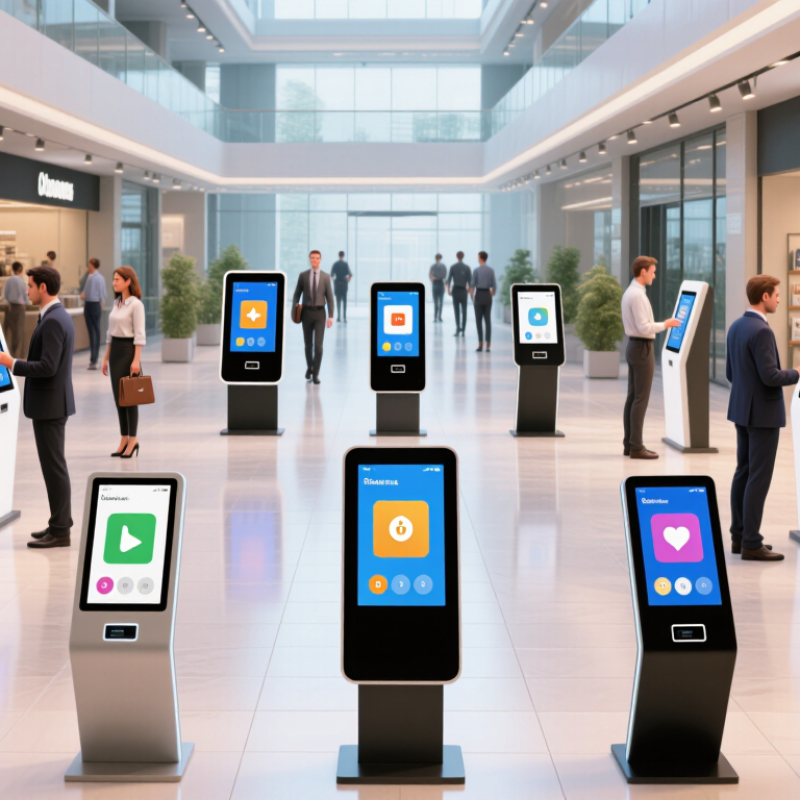
A touch screen kiosk is a self-service terminal that lets customers complete tasks through an on-screen interface, such as checking in, finding products, or placing an order. Its value is practical: it can move routine interactions away from a crowded counter and give staff more time for questions that need human judgment. A clear screen, readable text, and a payment area within easy reach matter more than flashy animations. Small details count.
The market is expanding, but growth alone does not prove that every business needs a kiosk. Grand View Research estimated the global interactive kiosk market at about $30.2 billion in 2023, with further growth projected through 2030. PwC’s 2018 customer experience survey found that 73% of consumers considered experience an important factor in purchasing decisions. These figures suggest why businesses are investing in self-service, though they do not guarantee better service. A kiosk can shorten a queue, yet a confusing menu can create one. Businesses should test it with real customers, including people who may need larger text or staff assistance. It is easy to overlook that part.
Key Features to Compare When Choosing a Business Kiosk
Choosing a business kiosk in 2026 means matching its features to real customer tasks. A 15-inch screen may suit quick check-ins, while product browsing often needs more space. Check brightness in the actual installation area; a glossy display can become hard to read near bright windows. Touch response matters, too. Test taps with dry fingers and common screen protectors before committing.
Compare the operating system, update process, and available security controls. Ask how the kiosk connects to your network and what happens if Wi-Fi drops. For busy locations, look for a sturdy enclosure, accessible ports, and a service plan with clear repair timelines. A larger screen is not automatically better. Still, specifications can mislead, so test the complete setup with users and staff.
Tips: Put a sample kiosk where it will be used. Try a full task, such as booking an appointment, while standing at the expected distance. Check text size, glare, cable access, and cleaning time. Small details count. Record recurring issues during the trial; one awkward menu can slow a line more than a slightly slower processor. Consider mounting height and wheelchair access early, not after installation.
10 Best Touch Screen Kiosks for Business in 2026
In 2026, the best touch screen kiosks are those that solve a specific customer problem without slowing service. Grand View Research estimated the global interactive kiosk market at USD 31.8 billion in 2023, projecting an 8.2% compound annual growth rate from 2024 to 2030. This signals continued investment, but market growth alone cannot identify the right device for every business. Screen visibility, accessible height, payment options, and serviceability matter more on a busy shop floor.
A useful comparison of ten kiosk types should cover self-check-in, restaurant ordering, retail product search, wayfinding, ticketing, queue management, bill payment, visitor registration, information lookup, and employee self-service. Match each type to its setting: a bright lobby needs a glare-resistant screen, while a narrow counter needs a compact stand. Check whether the interface remains responsive with damp fingers and whether staff can clean it quickly. Small details count. A ranking can still miss local needs, so test shortlisted units with real users before buying.
Tips: Measure the installation space, including wheelchair approach and cable access. Test screen brightness under actual lighting. Ask about repair times, software updates, and offline operation. These checks are less exciting than screen size, but they often decide whether a kiosk stays useful.
Best Kiosk Types for Different Business Needs
Touchscreen kiosks should match the task, not just the available floor space. Restaurants and food courts benefit from ordering kiosks with clear menu photos, allergy details, and optional receipt printing. Hotels and clinics need check-in kiosks with larger text, privacy screens, and simple appointment workflows. Malls, campuses, and hospitals often need wayfinding kiosks; ticketing kiosks suit busy venues and transit hubs. The right layout depends on queue patterns and who will use the screen.
Grand View Research estimated the global self-service kiosk market at USD 34.7 billion in 2023, with an expected 11.8% compound annual growth rate from 2024 to 2030. That growth signals broad adoption, but it does not prove every business needs a kiosk. A practical trade-off: a poorly placed unit can move the queue rather than shorten it. Measure completion time and staff support requests after installation.
Tips: Match the screen height to seated and standing users. Test the interface with real customers, including people unfamiliar with touchscreens. Keep essential options visible, use plain language, and provide a clear way to ask for help. No format is perfect. Review usage data regularly; low adoption may point to confusing steps, not customer resistance.
Deployment, Security, and Ongoing Maintenance Considerations
A reliable kiosk starts with the site, not the screen. Check glare at different times of day, wheelchair access, cable routing, and Wi-Fi coverage before fixing the unit in place. A weak connection can turn a busy check-in point into a queue. Keep kiosk traffic on a separate network, restrict administrator access, and enable device encryption and remote updates. The 2024 Data Breach Investigations Report found that 68% of breaches involved a non-malicious human element. That figure is not kiosk-specific, but it shows why staff training and clear access rules matter. Small details matter.
Plan maintenance before launch. Set a patch schedule, assign an owner, and record each repair, software update, and outage. Keep a spare payment reader or power supply nearby when downtime would interrupt service. The 2024 Cost of a Data Breach Report estimated the global average breach cost at $4.88 million; this is a broad benchmark, not a kiosk-only estimate. Still, it makes basic safeguards hard to dismiss. Test the full customer journey after updates, including screen response, receipt printing, and accessibility features. A checklist can miss real-world friction. Review it with staff who handle the queue, then revise it when recurring problems appear.
